Okay, let me tell you a story that’s probably going to sound painfully familiar…
Last month, I was talking to a restaurant owner – let’s call him Bob – who was absolutely frustrated with his marketing.
“I’ve got 3,000 followers on Instagram,” he said. “I post every day. Beautiful food photos, behind-the-scenes stuff, the works. But my sales are still flat.”
So I asked him the question that changed everything: “Bob, how much money did those 3,000 followers put in your bank account last month?”
Dead silence.
Here’s The Brutal Reality Most Restaurant Owners Face
You’re spending hours creating content, posting religiously, maybe even paying to boost posts…
And at the end of the month, you have no clue if any of it actually moved the needle on your revenue.
Or you’re not posting at all. Which isn’t good.
It’s like running a restaurant with no cash register. You’re busy, you’re working hard, but you have no idea if you’re making money or just making noise.

Your “30-Minutes-A-Month” Social Media System That Actually Works
Look, I get it…
You’re running a restaurant, not a social media agency. You’ve got staff to manage, inventory to order, customers to serve, and about a million other things that are way more important than figuring out what to post on Instagram.
But here’s the brutal truth: Your competitors who ARE posting consistently? They’re stealing your customers while you’re not paying attention.
The Good News? You Don’t Need to Become a Social Media Expert
What I’m about to share with you is the exact system I give to restaurant owners who are too busy to mess around with complicated marketing strategies.
It takes 15 minutes once a month to set up, and then it practically runs itself.
The “Content Calendar That Never Fails”
Here’s your dead-simple posting schedule that works for ANY restaurant:
Monday – “Meet the Team Monday”
- Post a photo or short video of one of your team members
- Share something interesting about them (how long they’ve worked there, their favorite menu item, a fun fact)
- Example: “Meet Sarah! She’s been our head server for 3 years and makes the best coffee recommendations. What’s your go-to coffee order?”
Tuesday – “Taste Test Tuesday”
- Post a photo of two menu items side by side
- Ask your followers to vote for their favorite in the comments
- Example: “Battle of the burgers! Classic cheeseburger vs. BBQ bacon burger. Which team are you on? Comment below!”
Wednesday – “What’s Cooking Wednesday”
- Behind-the-scenes content from your kitchen
- Show food being prepared, ingredients being prepped, or your chef in action
- Example: “Chef Mike hand-cutting our fresh pasta for tonight’s special. Nothing beats fresh!”
Thursday – “Throwback Thursday”
- Share old photos of your restaurant, founding story, or how things used to be
- Or highlight a long-time customer or their favorite dish
- Example: “TBT to opening day 5 years ago! Look how far we’ve come. What’s your favorite memory at our restaurant?”
Friday – “Feature Friday”
- Highlight your weekend specials, events, or promotions
- This is your “sales” post for the week
- Example: “Weekend special alert! Our famous fish tacos are back with a twist – now with mango salsa. Available Friday-Sunday only!”
Saturday – “Saturday Spotlight”
- Showcase happy customers, special events, or busy restaurant atmosphere
- User-generated content works great here
- Example: “Nothing makes us happier than seeing families enjoy their Saturday night together! Thanks for choosing us for your special moments.”
Sunday – “Sunday Stories”
- Share your restaurant’s values, community involvement, or what makes you special
- More personal, heartfelt content
- Example: “Every Sunday, we donate leftover food to the local shelter. It’s our small way of giving back to the community that supports us.”
The “Content Creation Hack” That Takes Zero Extra Time
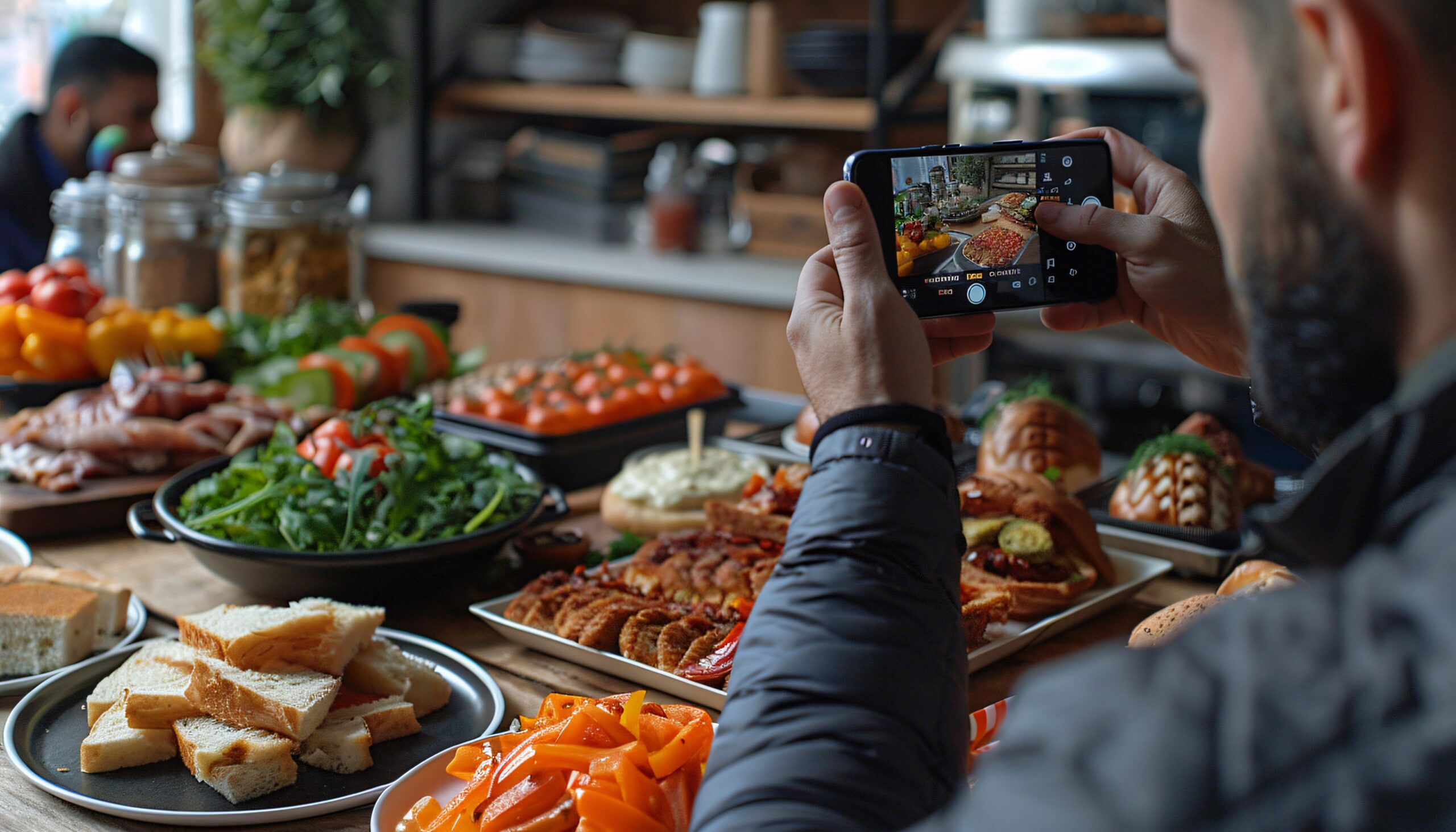
Here’s the secret most restaurant owners miss: You don’t need to CREATE content – you just need to CAPTURE what’s already happening.
Your “Content Goldmine” Checklist:
✅ Take photos while you’re already working
- Snap pics while prepping food (you’re doing it anyway)
- Get shots of busy dinner service
- Capture team members during their shifts
- Document special events or celebrations
✅ Use your phone’s “batch photo” feature
- Take 20-30 photos in one day
- Use them throughout the month
- Mix up angles and lighting for variety
- Ask customers for permission to share their photos
- “Mind if we share this on our Instagram? You look like you’re having a great time!”
- Most people love being featured
✅ Create “template” posts you can reuse
- “Guess the secret ingredient in today’s special!”
- “Rate this dish from 1-10!”
- “What should we add to the menu next?”
The “30-Minute Monthly Setup”
Here’s how to batch your entire month of content in one sitting:
Step 1: Open your phone’s calendar app
Step 2: Schedule 7 posts per week using the daily themes above
Step 3: Use a free scheduling app like Later or Buffer to queue everything up
Step 4: Write simple captions using the templates below
Copy-and-Paste Caption Templates:
For Food Photos: “[Dish name] is back and better than ever! What’s your favorite thing about this dish? “
For Team Photos: “Meet [Name]! They’ve been part of our family for [time period] and their favorite menu item is [item]. What would you like to know about our team?”
For Behind-the-Scenes: “A little peek behind the curtain! This is how we make [dish/process]. What would you like to see us make next?”
For Questions/Engagement: “Help us settle a debate! [Question about food/restaurant]. Team A or Team B? Comment below! “
The “Emergency Content” List
For those days when you’re completely swamped, here are 10 posts you can create in under 2 minutes:
- Photo of your most popular dish with “Can you guess our #1 seller?”
- Picture of your restaurant’s exterior with “Home sweet home! How long have you been coming here?”
- Close-up of ingredients with “Fresh [ingredient] just arrived! What’s your favorite way to eat it?”
- Staff photo with “Our amazing team! Who’s your favorite server and why?”
- Menu close-up with “So many choices! What’s your go-to order?”
- Kitchen action shot with “Busy kitchen = happy customers! What’s cooking at your house tonight?”
- Customer photo (with permission) with “Nothing beats seeing happy faces! Thanks for dining with us!”
- Special offer graphic with “Limited time only! What specials would you like to see?”
- Restaurant atmosphere shot with “Perfect night for dinner out! What brings you in tonight?”
- Food prep video with “Satisfying prep work! What’s your favorite thing to cook at home?”
The “Engagement Multiplier” Trick
Here’s how to get way more comments and shares without being annoying:
Always end your posts with a question.
Not “Hope you like it!” or “Come try it today!”
Instead: “What’s your favorite pizza topping?” or “Rate this from 1-10!” or “Team chocolate or team vanilla?”
Questions get responses. Responses tell the algorithm your content is engaging. Engaging content gets shown to more people. More people seeing your content means more customers.
The “Crisis Management” Approach
What if you forget to post for a few days? Don’t panic and don’t try to catch up by posting 5 times in one day.
Just pick up where you left off. Your followers won’t notice, and consistency moving forward is way more important than perfect attendance.
The Results You Can Expect
Restaurant owners who follow this simple system typically see:
- 40-60% increase in social media engagement within 30 days
- 15-25% more customers mentioning they “saw you on social media”
- Significantly more word-of-mouth referrals (people share engaging content)
- Better relationship with existing customers (they feel more connected to your brand)
The Bottom Line
You don’t need to be a social media guru to use social media effectively for your restaurant.
You just need to be consistent, authentic, and engaging.
This system gives you all three without taking time away from running your actual business.
Want To Get MORE NEW Customers using Social Media Done FOR You Instead?
Look, even this “simple” system might feel overwhelming when you’re already working 60+ hours a week.
If you’d rather have marketing experts handle your new customer producing social media system while you focus on running your restaurant, We’d love to show you how our “Done-For-You” social media new customer system works.
We do everything for you; you get new customers. Ezee peezeee.
But whether you do it yourself or have us do it for you, the important thing is that you START.
Your competitors are already out there building relationships with your potential customers every single day.
The question is: Are you going to let them have all the fun?

Michael Thibault
Known as “The Done For You Marketing Guy for Restaurants.” International Speaker on Restaurant Marketing. Published contributing author of 4 Marketing Books. Industry expert on Google Searches and Review Sites. Recovering Independent Restaurant Owner and Caterer of over 21 years. And, all-around good guy.